Locker delivery
Delivery
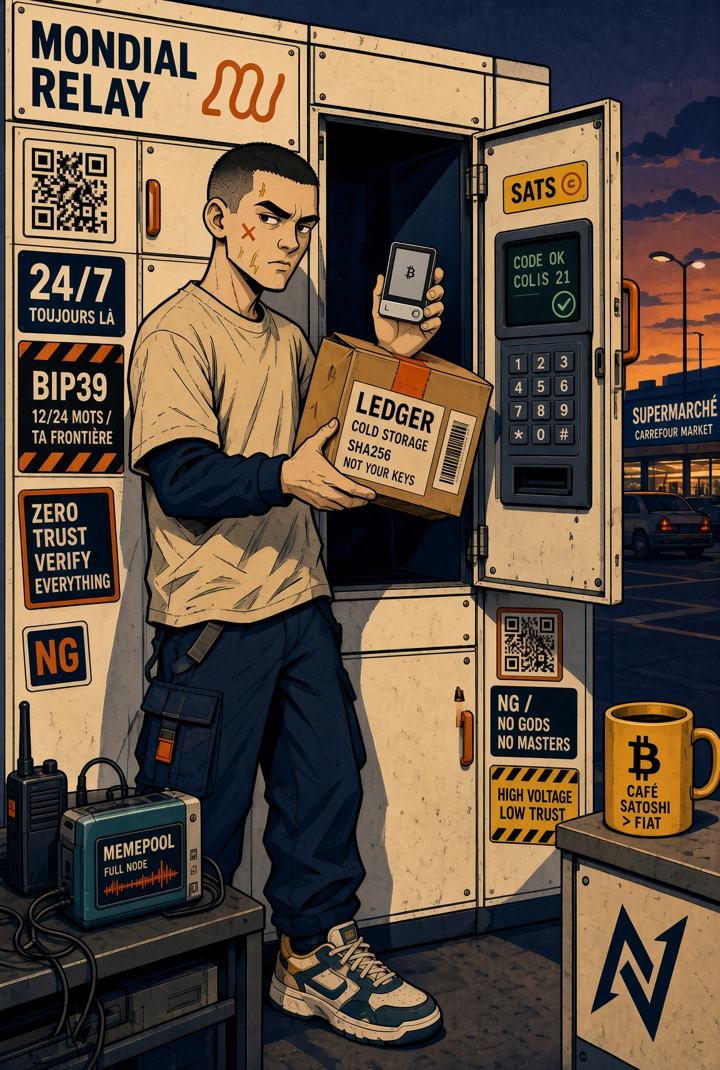
Delivered to a locker, no home address.
Your parcel is delivered to an automated locker or a partner shop, never to your door. No name on a doorbell, no missed delivery, collection 7 days a week with a code sent by SMS or email. It's the most private option we offer, and the cheapest.
In France: the "Pickup point" tab
Mondial Relay (lockers and shops) and Colissimo, you pick the point before paying.
Cart, then checkout
Add your items to the cart and click "Check out". Enter your email address: that's where the pickup code will be sent.
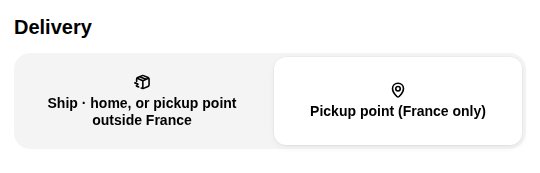
"Pickup point (France only)" tab
In the Delivery section, click the Pickup point (France only) tab.
Find a locker near you
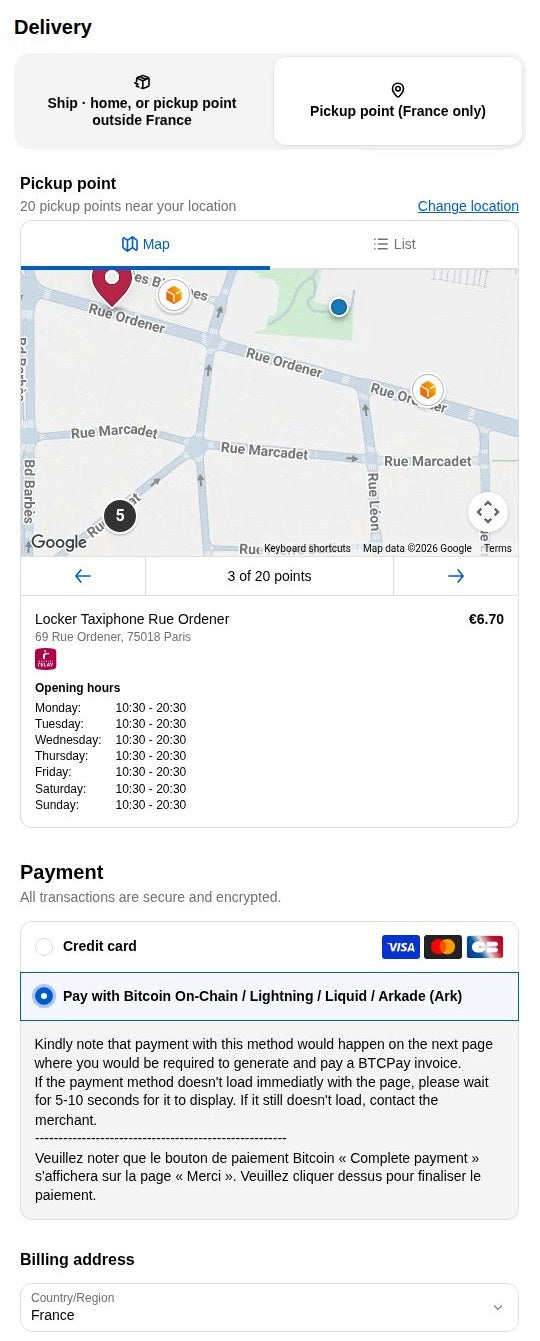
Click "Use my location", or type an address or postal code, pick the suggestion and click "Search". The map shows Mondial Relay lockers (named "Locker …") and Colissimo pickup points, with the price and opening hours of each point: some lockers are accessible 24/7, others follow the hours of the shop hosting them.
Pick one, then pay
Select your locker, choose "Pay with Bitcoin" (or card), then "Review order" and "Complete order". In bitcoin, the confirmation page shows a "Complete Payment" button that opens the BTCPay invoice (on-chain, Lightning or Ark). The point is saved with your order.
Collect
When the parcel arrives you get a code by SMS or email. You have a few days to collect it, whenever suits you.
Outside France: Spain, Portugal, Italy, Belgium, Luxembourg, Netherlands, Poland
InPost, Mondial Relay and Punto Pack networks, you pick the point right after paying.
Cart, then checkout
Add your items, click "Check out" and enter your email.
Stay on the "Ship" tab
The "Pickup point" tab only works in France. Stay on Ship · home, or pickup point outside France, choose your country and enter a normal street address in your country: home, office, any address. It is only used to find nearby points and calculate the rate, nothing will be delivered there.
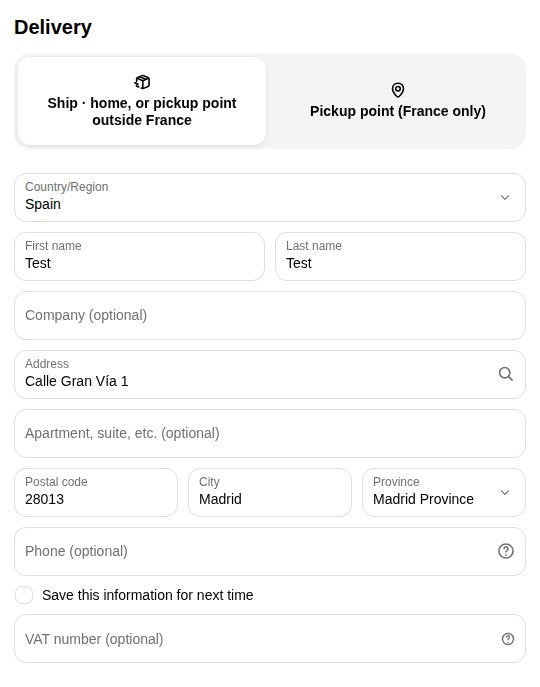
"Delivery to a pickup point" shipping method
Once the address is filled in, the shipping methods appear. Choose "Delivery to a pickup point (choice after payment)". The local network is shown next to it: Punto Pack in Spain, InPost or Mondial Relay elsewhere.
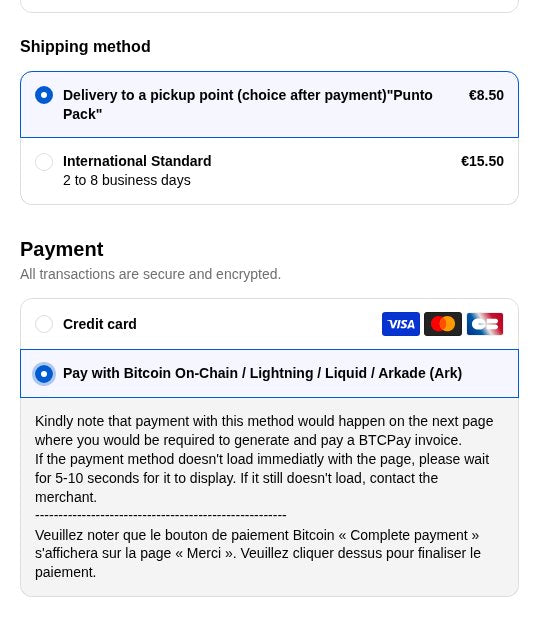
Review, then confirm
After choosing "Pay with Bitcoin", click "Review order": a summary shows your contact, address, the "Delivery to a pickup point" method and the bitcoin payment. Click "Complete order". The order is created, awaiting your payment.
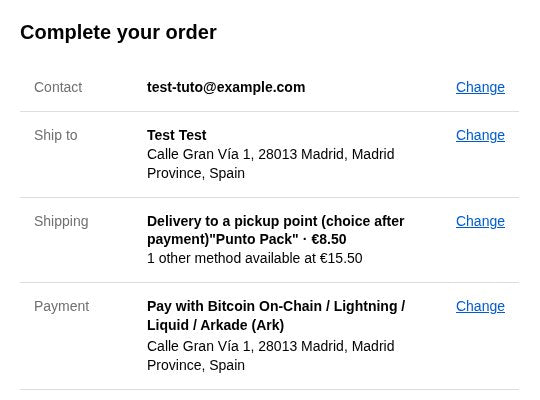
Pick your point, then pay
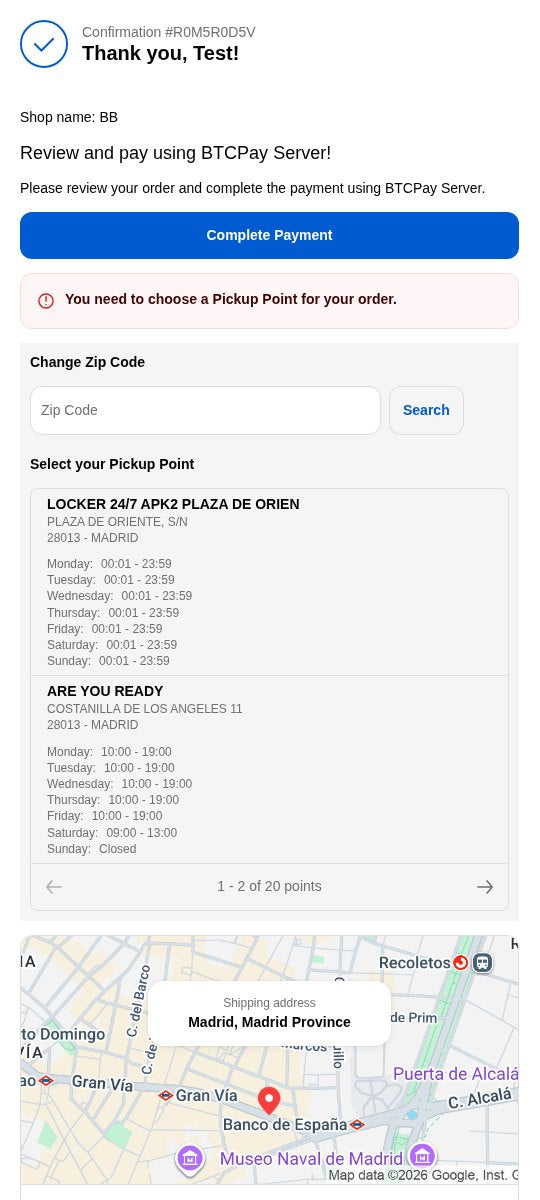
The confirmation page does two things. First, select your pickup point in the list under "You need to choose a Pickup Point" (24/7 lockers are named "LOCKER 24/7 …"; you can change the zip code). Then click "Complete Payment" to open the BTCPay invoice and settle it on-chain, via Lightning or Ark. The parcel will ship to the point you chose.
Collect
On arrival, code by SMS or email, collect within a few days.
Good to know
- Paying in bitcoinAfter "Review order", click "Complete payment" to open the BTCPay invoice and settle it on-chain, via Lightning or Ark. Clearance items can only be paid in bitcoin.
- Forgot to pick a point after paying?Reply to the confirmation email with the locker or point you want, we'll set it before shipping.
- Bulky itemsSome products don't fit in a locker; we'll contact you to arrange delivery.
- Country not listedIf the "Delivery to a pickup point" method does not appear, pickup delivery is not available in your country: choose standard delivery.